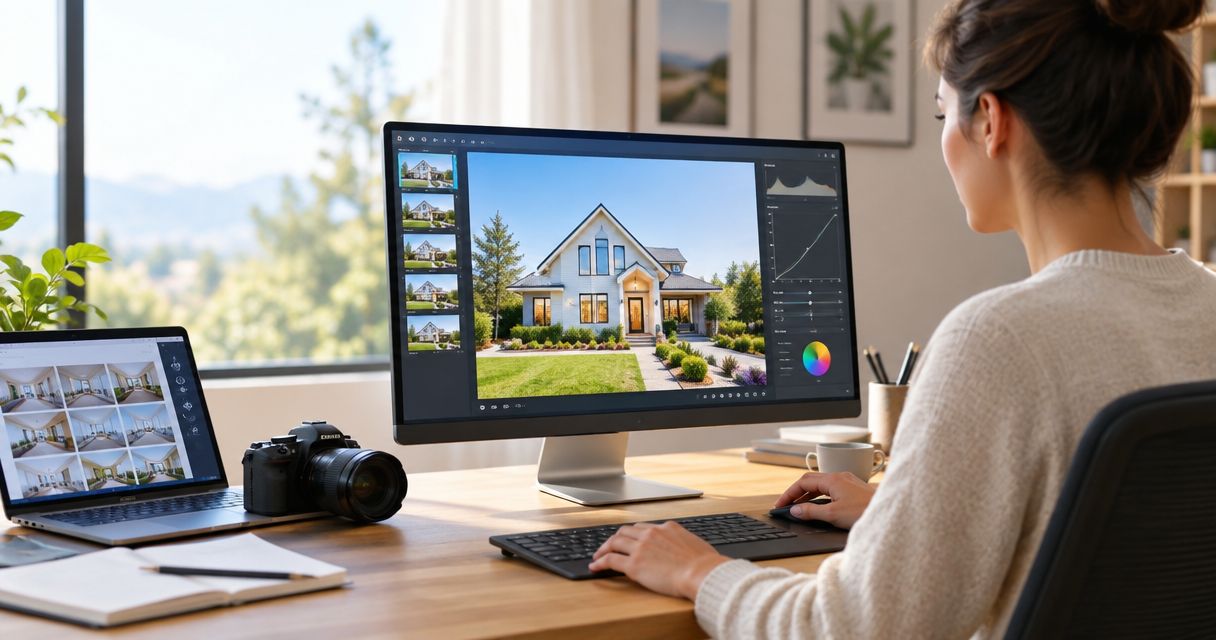
Editing a real estate listing video takes the right app for the job — one built for fast vertical cuts on a phone between showings, another for stitching drone, interior, and walkthrough footage into one polished tour. The seven apps below cover both ends of that job in 2026, ranked by what each one actually does well rather than by feature count.
- Among the best video editing apps for real estate listing videos in 2026, CapCut wins for vertical social reels and Adobe Premiere Rush wins for cross-device editing.
- LumaFusion handles multi-track drone and interior footage better than any other mobile app on this list.
- Canva fits agents who already build flyers and social posts on the same platform.
- VN Video Editor is the strongest free, no-watermark option for multi-track mobile editing.
- If turnaround speed matters more than DIY control, a professional real estate video service delivers same-day.
Why this matters
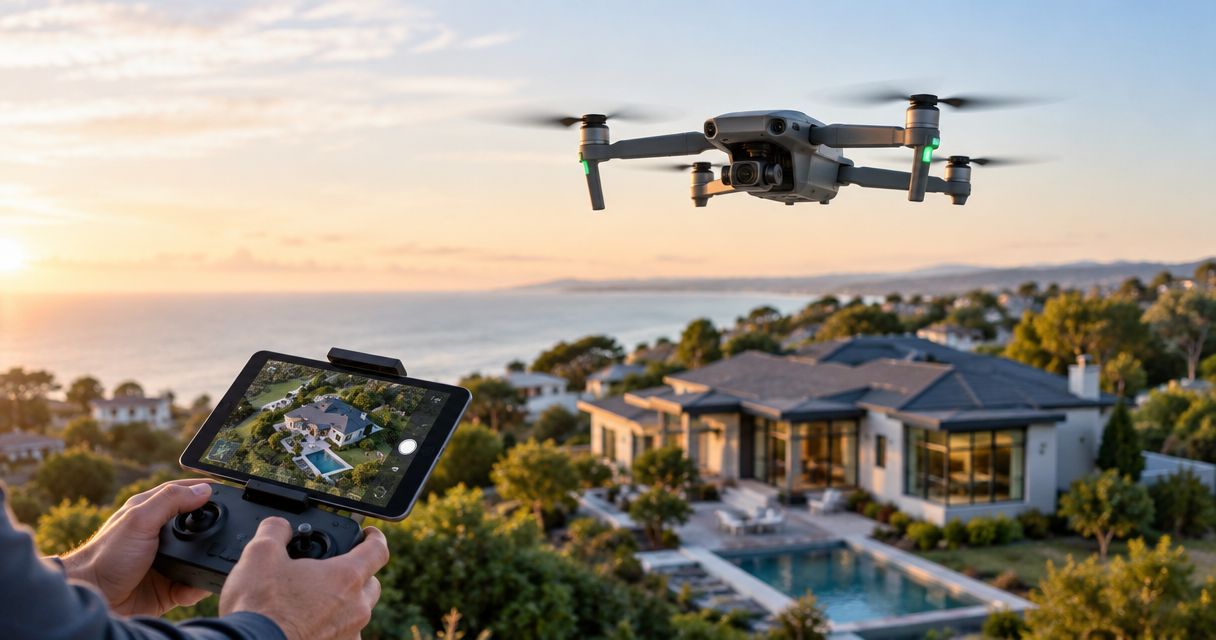
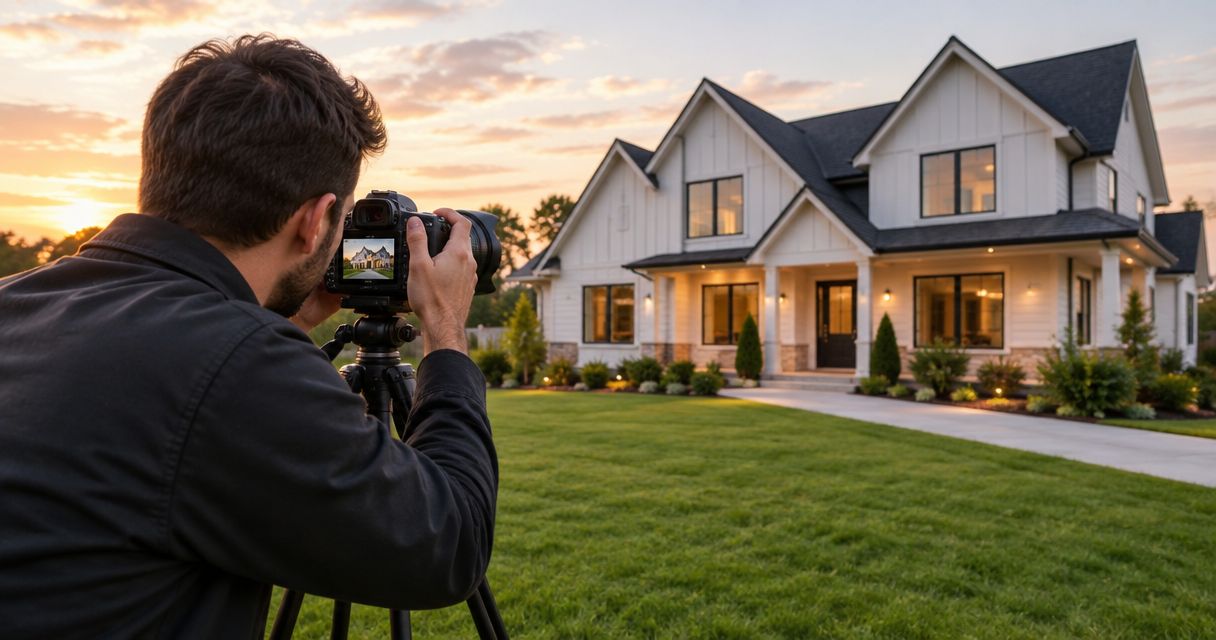
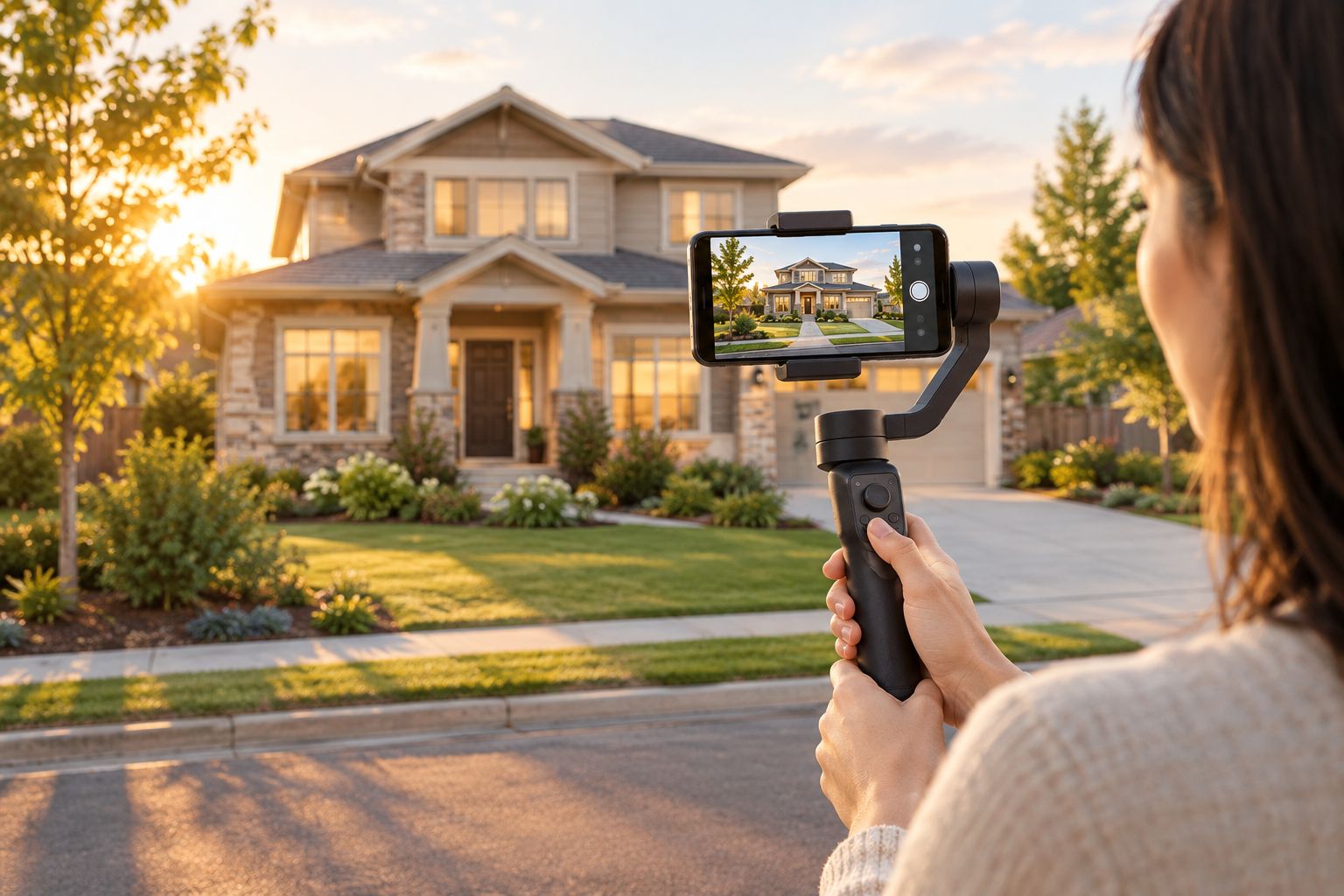
A listing video that isn't cropped for mobile scrolling loses the viewer in the first three seconds — the app you edit in decides whether that clip gets watched or swiped past. Georgia agents competing for attention in Atlanta, Athens, and every smaller market in between are shooting more video in 2026 than at any point before, and most of that video lives on a phone screen, not a desktop. Visually Sold produces real estate video, photography, and drone media for agents across Georgia, and the editing choices below apply whether the footage came from a $30,000 cinema rig or an iPhone in a gimbal.
“A listing video that isn't cropped for mobile scrolling loses the viewer in the first three seconds.”
Best overall for real estate agents: CapCut. Best for cross-device workflows: Adobe Premiere Rush. Best for multi-track drone and interior editing on iPhone: LumaFusion. Best free multi-track option: VN Video Editor.
What makes the best real estate listing video editor
- Vertical export presets — a one-tap 9:16 format for Instagram Reels and Stories, not a manual crop
- Fast render and export times — a video that can go out the same day as the shoot, not the next
- Branded text overlays — price, beds/baths, and agent contact info without a separate design app
- Multi-track support — combining drone, interior, and walkthrough clips in one timeline
- Mobile-to-desktop compatibility — a project that isn't locked to whichever device you started on
Real estate video editing apps at a glance
| App | Best for | Standout feature | Key limitation |
|---|---|---|---|
| CapCut | Vertical social reels | Auto-captions plus built-in 9:16 export | Interface pushes TikTok-style effects agents don't need |
| Adobe Premiere Rush | Cross-device projects | True phone-to-desktop cloud sync | Steeper learning curve than mobile-first apps |
| LumaFusion | Multi-track drone and interior editing | Real multi-track timeline on iOS | iPhone and iPad only, no Android or true desktop |
| InShot | Fast Android walkthrough cuts | Runs smoothly on lower-spec phones | Free exports carry a watermark |
| Canva | Matching video to flyer branding | Brand kit carries fonts and colors from flyers to video | Editing controls are basic next to dedicated video apps |
| Filmora | Desktop editing with drone color correction | Color grading tools for flat drone footage | Desktop-only workflow slows down agents between showings |
| VN Video Editor | Free multi-track mobile editing | Multi-track timeline with no watermark | Smaller template library than CapCut or Canva |
1. CapCut: best real estate listing video editor for vertical social reels
CapCut runs on mobile and desktop, generates auto-captions from spoken audio, and exports directly to 9:16 for Reels and Stories without a manual crop step. Its template library leans toward trending social formats, which works for quick listing teasers more than a full property tour.
CapCut pros:
- Free tier with no watermark on exports
- Auto-caption transcription saves manual text entry
- Large template library for fast, caption-heavy social cuts
- Vertical export built in, no aspect-ratio guesswork
CapCut cons:
- Interface nudges toward TikTok-style effects that look out of place on a brokerage-branded video
- Desktop version has fewer features than the mobile app
- Cloud project sync between devices is inconsistent
Best for: agents cutting short social teasers from listing footage. Verdict: Buy for social-first video work.
2. Adobe Premiere Rush: best for cross-device listing video editing
Premiere Rush lets an agent start an edit on a phone at a showing and finish it on a laptop that evening, with the project synced through Adobe's cloud rather than exported and re-imported. It sits inside the Adobe ecosystem, so footage can move into Premiere Pro for a deeper color or audio pass when needed.
Adobe Premiere Rush pros:
- True continuity between phone, tablet, and desktop
- Color and audio tools beyond what most mobile-only apps offer
- Direct handoff into Premiere Pro for advanced edits
Adobe Premiere Rush cons:
- Steeper learning curve than CapCut or InShot
- Requires an Adobe account and subscription to unlock full export options
- Vertical export presets need manual setup rather than a one-tap toggle
Best for: agents who edit across a phone and a laptop on the same project. Verdict: Hold — worth it if you're already inside the Adobe ecosystem, skippable otherwise.
3. LumaFusion: best for multi-track drone and interior editing on iPhone and iPad
LumaFusion brings a genuine multi-track timeline to iOS, with color grading and audio mixing controls closer to desktop software than to a typical mobile app. It's built for combining drone exteriors, interior walkthroughs, and voiceover or music in one project without hitting a track limit.
LumaFusion pros:
- Multi-track timeline is rare on mobile and handles layered footage well
- Export quality competes with desktop editors
- Color grading tools suited to correcting flat drone footage
LumaFusion cons:
- iOS and iPadOS only — no Android or true desktop version
- Interface intimidates first-time video editors
- No built-in stock music library beyond the basics
Best for: iPhone and iPad shooters producing a full multi-clip property tour. Verdict: Buy for agents already inside Apple's ecosystem.
4. InShot: best for fast walkthrough cuts on Android
InShot keeps the interface to trim, merge, text, and music, which makes it one of the fastest Android apps to learn for a straightforward walkthrough edit. It runs well on lower-spec phones where heavier apps lag.
InShot pros:
- Works smoothly on older or budget Android phones
- Fast export times for short clips
- Simple trim-and-caption workflow suits a quick walkthrough post
InShot cons:
- Free exports carry a watermark
- Limited multi-track control compared to LumaFusion or Premiere Rush
- Effects lean toward casual social content rather than brokerage-branded video
Best for: Android users who need one clean cut, not a full production. Verdict: Wait — fine for a quick social post, thin for a full listing package.
5. Canva: best for matching listing video to flyer and social branding
Canva's video editor sits inside the same platform many agents already use for flyers, open house signs, and social graphics, and it pulls the same brand kit — fonts, colors, logo placement — into video templates built for real estate marketing.
Canva pros:
- Brand kit carries fonts and colors from flyers straight into video
- Large template library aimed at real estate marketing
- Easiest option for someone with no editing background
Canva cons:
- Editing controls are basic compared to a dedicated video app
- Export resolution options are limited
- Templates look generic without real customization work
Best for: agents who already design their marketing in Canva. Verdict: Buy if Canva is already part of the workflow.
6. Filmora: best for desktop editing with drone footage color correction
Filmora is a desktop app with keyframe animation, layered timelines, and color grading tools that handle the flat, low-contrast look of raw drone footage better than most mobile editors. Real estate-specific template packs are built for property tour pacing.
Filmora pros:
- Color correction tools suited to flat drone footage
- Layered timeline for text, motion graphics, and transitions
- Template packs designed around property tour structure
Filmora cons:
- Desktop-only workflow slows down agents editing between showings
- Render times run longer on older machines
- Steeper interface than mobile-first apps
Best for: agents who already edit on a desktop and shoot their own drone footage. Verdict: Hold — best when a desktop is already part of the routine.
7. VN Video Editor: best free multi-track mobile editor
VN Video Editor gives both iOS and Android a free multi-track timeline with keyframe animation and no watermark on exports, which is unusual among free mobile apps. It's a lighter-known name than CapCut, so fewer tutorials exist for it.
VN Video Editor pros:
- Free with no watermark, rare among mobile competitors
- Real multi-track timeline beats most free apps in its category
- Keyframe control for pans and zooms
VN Video Editor cons:
- Smaller template library than CapCut or Canva
- Fewer tutorials available due to lower name recognition
- Some users report export bugs on older phones
Best for: agents who want multi-track editing without paying for it. Verdict: Buy for budget-conscious multi-track work.
How we ranked
Each app was weighed against the same five criteria from the section above: vertical export presets, render speed, branded overlay tools, multi-track support, and mobile-to-desktop compatibility. No single app wins on all five in 2026 — that's why the list is organized by use case instead of a single leaderboard.
Which video editing app should you choose?
Default to CapCut if most of the video work is short social cuts and Reels. Move to LumaFusion the moment a project needs drone, interior, and walkthrough clips combined in one timeline on an iPhone or iPad. Pick Adobe Premiere Rush or Filmora if the workflow already runs through a desktop and Adobe or Wondershare tools. None of the seven apps fix shaky, poorly lit footage — that gets solved on the shoot, not in the timeline. Agents who'd rather skip the editing queue entirely get same-day delivery, Pay at Close, and a free listing website with every order through Visually Sold, trusted by over 10,000 agents across Georgia.
Skip the editing queue
Same-day real estate photo, video, and drone delivery across Georgia.
FAQ
What's the best video editing app for real estate listing videos in 2026?
CapCut is the best all-around pick for short vertical social cuts, while LumaFusion wins for agents combining drone, interior, and walkthrough footage into one full listing video.
Is CapCut better than Adobe Premiere Rush for real estate video?
CapCut is faster for quick social clips on a single phone, while Adobe Premiere Rush wins when a project moves between a phone and a desktop and needs deeper color or audio control.
Do I need a paid app to edit real estate listing videos?
No — the free tiers of CapCut, VN Video Editor, and Canva cover most listing video needs without a subscription.
What aspect ratio should a real estate listing video use?
Use vertical 9:16 for Instagram Reels and Stories, and horizontal 16:9 for YouTube and MLS video uploads.
Can I edit real estate videos on an Android phone?
Yes — CapCut and InShot both run well on Android, though InShot's free exports carry a watermark that CapCut's do not.
Does LumaFusion work on Android?
No, LumaFusion is available only on iOS and iPadOS, which is its main limitation against Android-first apps like InShot.
Should I hire a professional instead of editing my own real estate video?
If turnaround speed matters more than DIY control, a professional real estate video service delivers same-day results without the editing learning curve.
One last thing
The app matters less than what it's given to work with — a listing video edited beautifully in CapCut still looks like a phone video if the underlying footage is shaky and poorly lit. Stable footage from a gimbal or a properly balanced drone flight does more for the final cut than any template or color preset applied in 2026. That's the gap professional photography, video, and drone crews are built to close before the editing app ever opens.